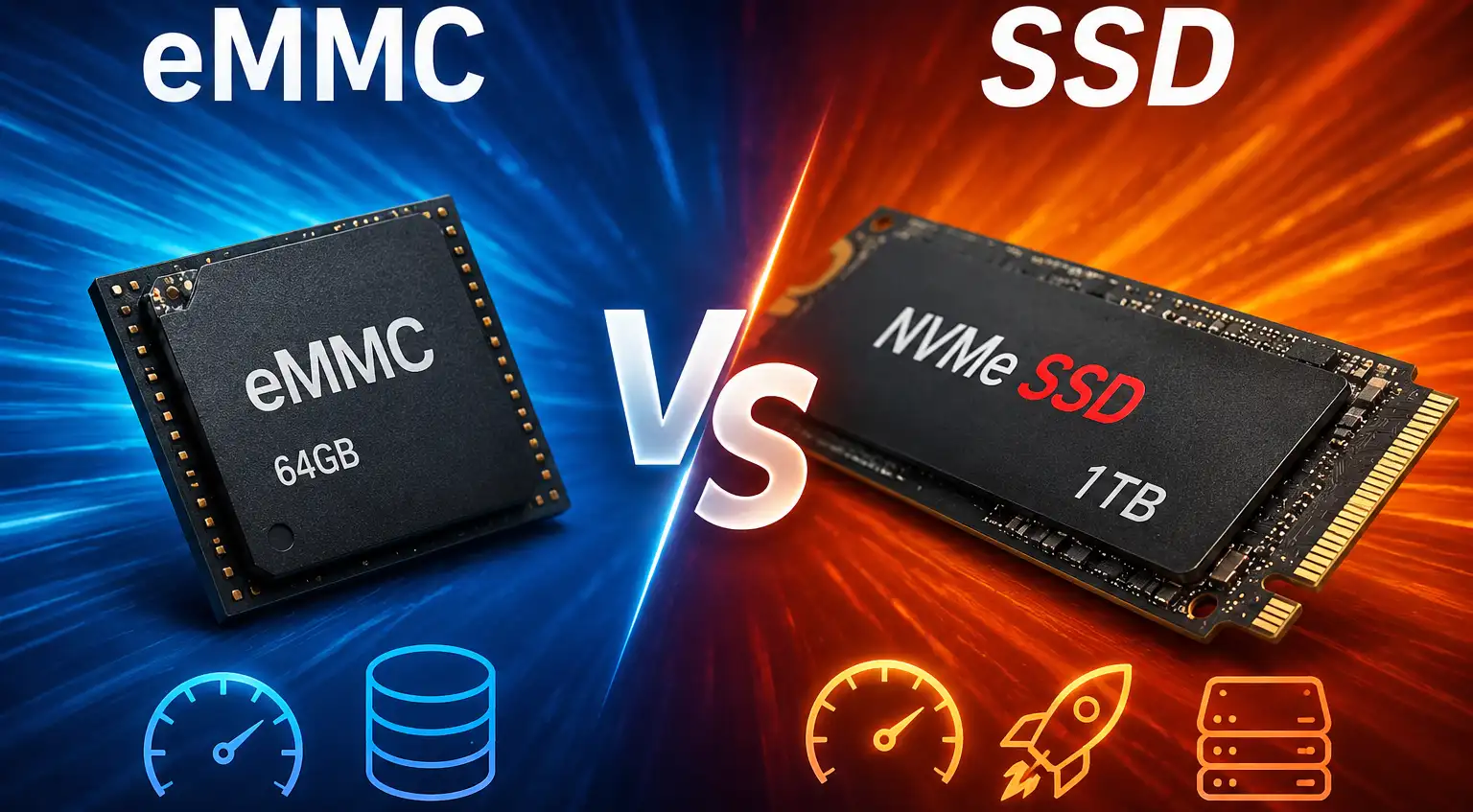
When considering storage options for laptops or other devices, terms like SSD and HDD often dominate the conversation. However, you might encounter devices equipped with eMMC storage, a less common but sometimes confusing option. Understanding the differences between eMMC and SSD storage can help you make an informed decision about which is better suited to your needs.
What Is eMMC?
eMMC (Embedded MultiMediaCard) is an embedded flash storage solution that combines the memory chips and the storage controller into a single package. It is permanently soldered to the motherboard, which means it cannot usually be replaced or upgraded.
eMMC storage is commonly found in budget laptops, tablets, Chromebooks, and other entry-level devices where keeping manufacturing costs low is a priority. The most common capacities are 32 GB, 64 GB, 128 GB, and 256 GB. Its compact design, low power consumption, and affordable cost make it well suited for basic computing tasks such as web browsing, document editing, and media playback. However, eMMC offers lower read and write speeds than SSDs, has limited storage capacity, and is generally not upgradeable.
What Is an SSD?
SSD (Solid State Drive) is a high-performance storage device that also uses flash memory but is equipped with a much more powerful controller and connects through SATA or PCIe (NVMe) interfaces. This allows it to deliver significantly higher data transfer speeds and much faster response times than eMMC storage.
SSDs are now standard in most mid-range and premium laptops, desktop computers, and workstations. They enable faster boot times, quicker application launches, and much better performance when copying files or running multiple programs simultaneously. SSDs are available in capacities ranging from 128 GB to several terabytes, and in many computers they can be replaced or upgraded with a larger or faster drive. Although SSDs are more expensive than eMMC storage, the price difference has steadily decreased, making SSDs the preferred choice for most modern computers.
An NVMe (Non-Volatile Memory Express) solid-state drive (SSD) is a type of solid-state storage device that connects via the PCIe (Peripheral Component Interconnect Express) interface instead of SATA. It uses the NVMe protocol, which was specifically designed for flash memory, allowing the drive to communicate with the processor much more efficiently.
Compared to SATA solid-state drives, NVMe solid-state drives offer significantly higher read and write speeds, lower latency, and much better performance when multitasking. Modern NVMe drives typically offer sequential read speeds ranging from 2,000 MB/s to over 7,000 MB/s, which significantly speeds up computer performance.
Most NVMe SSDs are available in the compact M.2 form factor, although versions with U.2 connectors or PCIe expansion cards may also be used in enterprise and high-performance systems. Today, NVMe SSDs have become the standard storage solution for mid-range and premium laptops, as well as modern desktop computers.
Performance Comparison
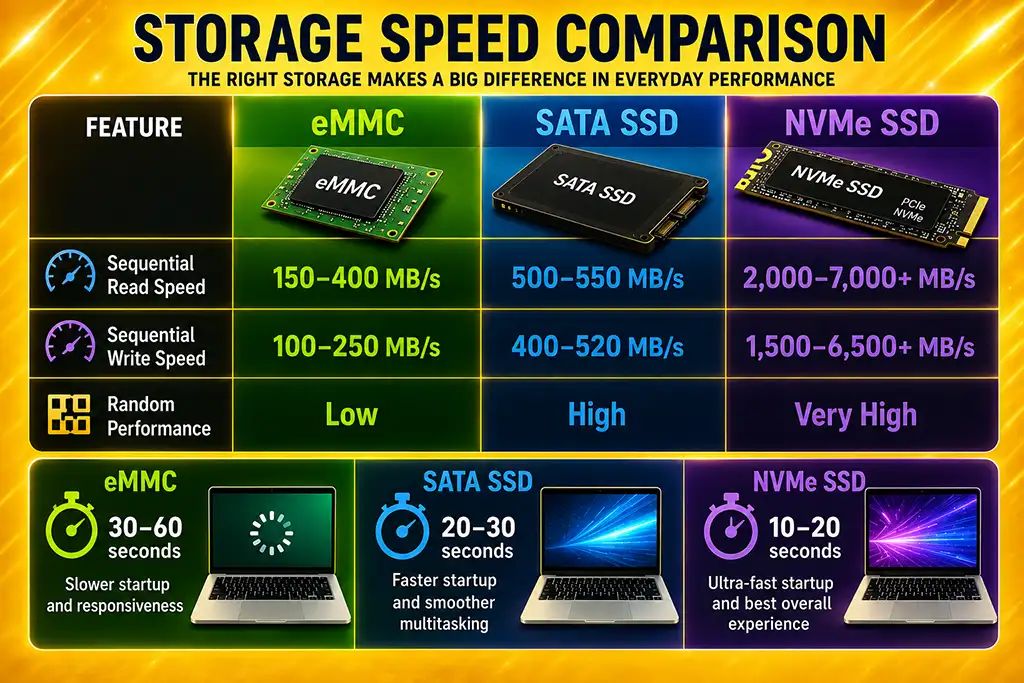
The difference between eMMC and SSD storage becomes most noticeable during everyday use, especially when starting a laptop, launching applications, transferring large files, or working with multiple programs at the same time.
| Feature | eMMC | SATA SSD | NVMe SSD |
|---|---|---|---|
| Sequential read speed | 150–400 MB/s | 500–550 MB/s | 2,000–7,000+ MB/s |
| Sequential write speed | 100–250 MB/s | 400–520 MB/s | 1,500–6,500+ MB/s |
| Random read/write performance | Low | High | Very high |
In real-world use, a laptop equipped with an SSD feels significantly more responsive than one with eMMC storage. Applications open faster, files are copied more quickly, and multitasking is much smoother. While an eMMC-based laptop is suitable for basic tasks such as web browsing and document editing, an SSD provides a noticeably better experience for everyday computing and demanding workloads.