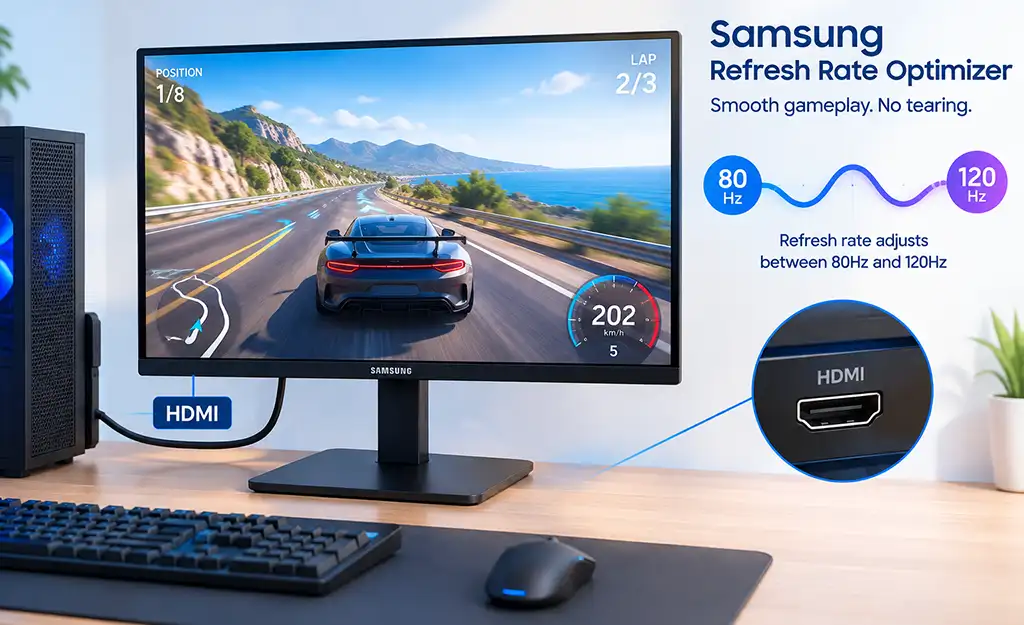
Refresh Rate Optimizer is a feature found on some Samsung gaming monitors. Its job is to help the monitor work more smoothly when the frame rate from the computer changes.
For example, a game may run at 120 FPS in one scene and drop to 90 FPS in another. The monitor has to display these changing frames correctly. Refresh Rate Optimizer helps it adjust to these changes instead of simply working at one fixed refresh rate all the time.
The result is smoother motion, especially when the frame rate is constantly changing during a game.
How Refresh Rate Optimizer Works
Let’s take a monitor with a 144 Hz refresh rate. This means it can display up to 144 frames per second. But a game does not always produce 144 frames. In one scene, the graphics card may deliver 120 FPS, in another 95 FPS, and under a heavier load the frame rate may drop even further.
If the monitor continues refreshing at a fixed rate while new frames arrive at a different rate, the two can become out of sync. This can cause screen tearing or make motion look less smooth.
Refresh Rate Optimizer addresses this by changing the monitor’s refresh rate to match the current frame rate. For example, if the graphics card is currently producing around 100 frames per second, the monitor can operate at a corresponding refresh rate instead of staying at 144 Hz. When the FPS increases again, the refresh rate can increase as well.
This is particularly useful in games with fluctuating frame rates because the monitor can synchronize its refresh timing with the frames being produced, rather than displaying them according to a fixed refresh schedule.
Refresh Rate Optimizer and Variable Refresh Rate
Refresh Rate Optimizer is related to Variable Refresh Rate (VRR) technology. VRR allows the monitor to adjust its refresh rate according to the current frame rate from a computer or game console. This provides better synchronization between the display and the signal source when the frame rate (FPS) fluctuates, helping to reduce screen tearing and make motion appear smoother.
There are several VRR technologies, including AMD FreeSync, NVIDIA G-SYNC, and VESA Adaptive-Sync. Samsung may list these technologies separately from “Refresh Rate Optimizer” in the monitor’s technical specifications.
Refresh Rate Optimizer is the generic name Samsung uses for its VRR technology. Samsung uses this term to describe the monitor’s ability to support variable frame rates regardless of which graphics card is used in the computer.