
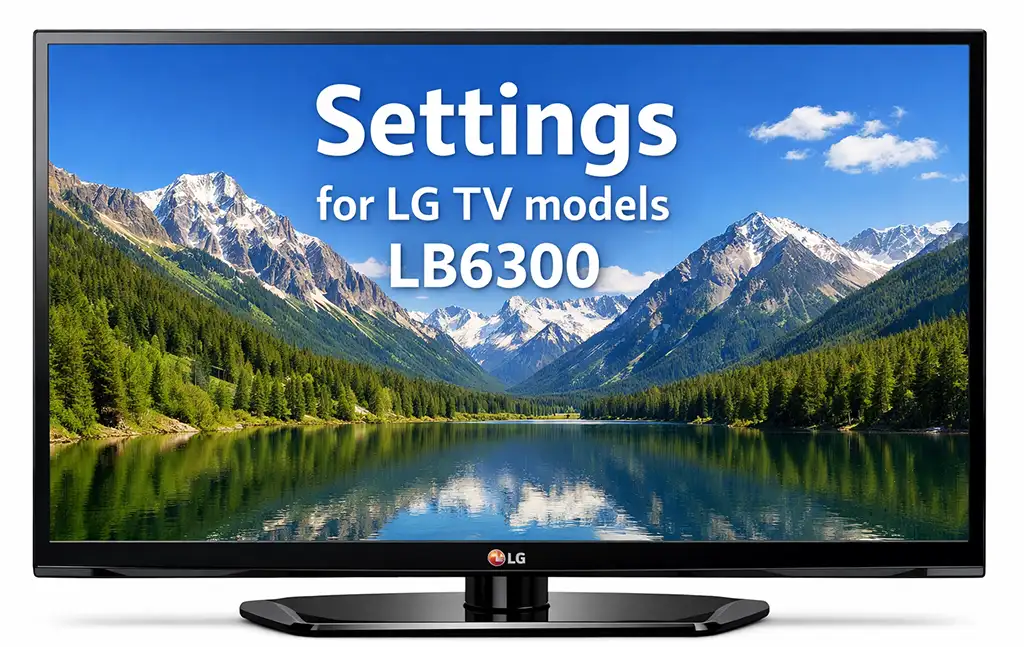
The LG 50LB6300, LG 55LB6300, and LG 60LB6300 TVs belong to the LB6300 series, introduced by LG Electronics in 2014. This series is part of the mid-range LED TV lineup and is one of the first models with a webOS-based Smart TV platform.
TVs in this series are equipped with LED backlighting and a Full HD screen with a resolution of 1920×1080 pixels. The models were produced in several sizes, from 42 to 65 inches, including the popular 50, 55, and 60 inches.
SETTINGS |
WHITE BALANCE | ||||
| Picture Mode | ISF Expert 1 | IRE | Red | Green | Blue |
| Backlight | 85 | 100 | -31 | 1 | 0 |
| Contrast | 90 | 95 | -28 | -13 | -6 |
| Brightness | 55 | 90 | -15 | 0 | 6 |
| Energy Saving | Off | 85 | -8 | -7 | -9 |
| H Sharpness | 10 | 80 | 1 | -6 | -6 |
| V Sharpness | 10 | 75 | 0 | -15 | -16 |
| Color | 59 | 70 | 0 | -12 | -14 |
| Tint | 0 | 65 | -6 | -24 | -20 |
| Dynamic Contrast | Off | 60 | -9 | -20 | -13 |
| Super Resolution | Off | 55 | -16 | -23 | -18 |
| Color Gamut Range | Standard | 50 | -15 | -21 | -15 |
| Edge Enhancer | Off | 45 | -17 | -20 | -18 |
| Color Filter | Off | 40 | -15 | -19 | -14 |
| White Balance | 20pt | 35 | -17 | -18 | -16 |
| Color Temp | Warm2 | 30 | -15 | -17 | -17 |
| Method | 20pt IRE | 25 | -16 | -17 | -19 |
| Pattern | Outer | 20 | -19 | -19 | -24 |
| Aspect Ratio | Just Scan | 15 | -20 | -18 | -26 |
| Noise Reduction | Off | 10 | -18 | -18 | -49 |
| MPEG Noise Reduction | Off | 5 | 9 | 8 | 51 |
| Black Level | Low | ||||
| Real Cinema | Off | ||||
| Motion Eye Care | Off | ||||
| LED Local Dimming | Off | ||||
| Tru Motion | Off | ||||
Basic image settings
LG LB6300 TVs have quite extensive image settings, just like any other TV. Although the devices come with factory settings, these are usually average and designed for viewing in all conditions. Therefore, more accurate settings can result in a higher quality image.
The parameters shown use the ISF Expert 1 picture mode. This mode is designed for precise calibration and allows you to adjust the picture settings. The screen backlight is set to 85, which provides a sufficiently bright picture. Contrast is set to 90, so that bright areas of the image remain expressive, but without excessive overexposure.
The Brightness parameter is set to 55, which helps preserve details in dark scenes. The horizontal and vertical sharpness values (H Sharpness and V Sharpness) are set to 10, which makes the image look softer and without artificial contour enhancement.
Color saturation (Color) is set to 59, and tint (Tint) remains at 0, which ensures natural color reproduction without color shift.
Most of the additional image processing features are disabled. For example, Dynamic Contrast, Super Resolution, Edge Enhancer, Noise Reduction, MPEG Noise Reduction, TruMotion, and LED Local Dimming are turned off. This allows the TV to display the image as close as possible to the original signal without additional digital processing.
The color gamut range is set to Standard, and the color temperature is set to Warm2. This color temperature is closest to natural.
Precise white balance adjustment
One of the important features of these settings is the use of 20-point white balance adjustment (20pt White Balance). This feature allows you to separately adjust the levels of red, green, and blue colors at different image brightness levels.
The table shows adjustments for IRE levels from 100 to 5, where the values of Red, Green, and Blue gradually change. Such detailed adjustment allows you to equalize the color temperature across the entire brightness scale — from the lightest to the darkest areas of the image. This keeps the white color neutral and the shades of gray looking natural.
The Aspect Ratio parameter is set to Just Scan mode, which ensures that the image is displayed without scaling or cropping at the edges. Automatic image correction functions such as Real Cinema and Motion Eye Care are also disabled so that the TV does not change the image settings while viewing.