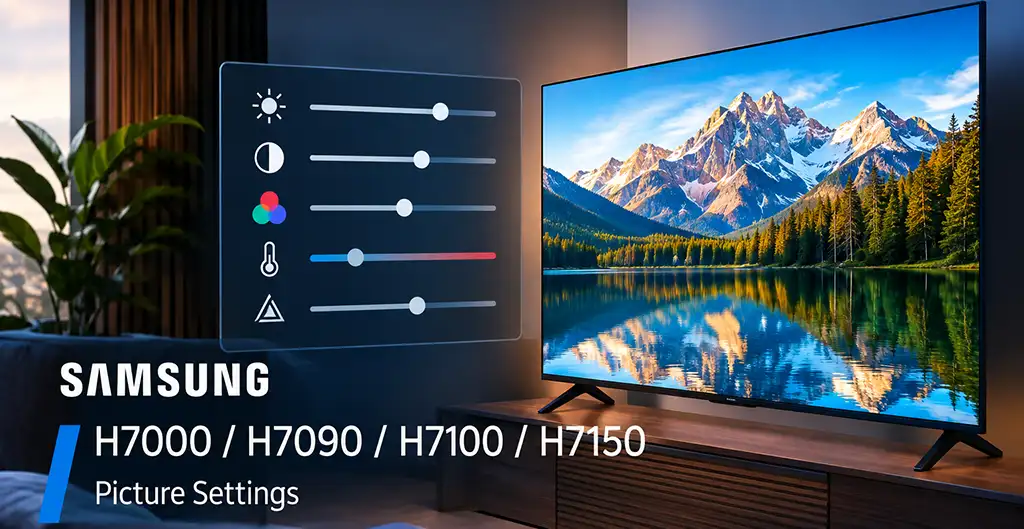
The Samsung H7000 series was sold under different model numbers depending on the market. The H7000 and H7090 were used in Europe, while the H7100 and H7150 were sold in the USA and Canada. Although the model numbers differ by region, the main picture settings are similar across these TVs.
The settings below are intended as a starting point for adjusting the picture. They are not a professional calibration and should not be treated as universal values for every individual TV. Even TVs with the same model number can produce slightly different results because of panel characteristics and viewing conditions.
Picture Settings
For general viewing, select Movie mode and use the following settings:
| Setting | Value |
|---|---|
| Picture Mode | Movie |
| Backlight | 16 |
| Contrast | 94 |
| Brightness | 47 |
| Sharpness | 6 |
| Color | 50 |
| Tint (G/R) | G50/R50 |
| Dynamic Contrast | Off |
| Black Tone | Off |
| Flesh Tone | 0 |
| RGB Only Mode | Off |
| Color Space | Custom |
| 10pt White Balance | 5 |
| Gamma | 0 |
| Expert Pattern | Off |
| xvYCC | Off |
| Color Tone | Warm2 |
| MPEG Noise Filter | Off |
| HDMI Black Level | Normal |
| Film Mode | Off |
| Auto Motion Plus | Off |
| Smart LED | Off |
| Cinema Black | Off |
Movie mode provides a more neutral starting point than the more heavily processed picture modes. The Backlight setting controls the overall light output of the display, so it can be adjusted if the picture is too bright or too dark for your room. Brightness should be used for adjusting the level of dark areas rather than as a general screen-brightness control.
Sharpness is set to 6 in these recommendations. Increasing Sharpness substantially can introduce artificial edges around objects, while a lower value produces a softer image.
The Color Tone is set to Warm2. This produces a warmer picture than the cooler color modes. However, color temperature is also affected by the individual panel, so you can use Warm1 or another available setting if Warm2 appears too warm to you.
The original settings also include individual adjustments for the RGB channels:
| Interval | Red | Green | Blue |
|---|---|---|---|
| 1 | -1 | 0 | -2 |
| 2 | 0 | 1 | -1 |
| 3 | 0 | 0 | -2 |
| 4 | 1 | -3 | -4 |
| 5 | -3 | -4 | -6 |
| 6 | -2 | -6 | -9 |
| 7 | -3 | -7 | -9 |
| 8 | -2 | -5 | -10 |
| 9 | 0 | -3 | -5 |
| 10 | 4 | 1 | -7 |
These 10-point white-balance values should be considered calibration data for reference rather than settings that every H7000-series TV must use. White-balance results can vary between individual panels. Other professional and enthusiast calibrations of the H7000/H7150 also use different values, which is another reason not to regard one set of calibration numbers as universal.
For normal use, it is preferable to make small adjustments rather than substantially changing the calibration controls without measurement equipment.
Samsung H7000 / H7150 Motion Plus and Gaming
For general movie and TV viewing, Auto Motion Plus: Off is a good neutral starting point. Auto Motion Plus adds motion processing to make movement appear smoother. Some viewers may prefer it for sports or other fast-moving content, while turning it off avoids additional motion interpolation. Independent H7150 calibration recommendations also used Auto Motion Plus Off, although other calibrations recommended different motion settings depending on the content.
For gaming, use Game Mode when the option is available on your TV. Game Mode reduces image processing and is intended to improve responsiveness when playing games. Samsung describes Game Mode as a setting designed for optimal speed when using a game console.
The recommended values above are a starting point for Samsung H7000, H7090, H7100, and H7150 TVs. If the image looks too dark, bright, warm, or cool in your room, make small adjustments to suit your viewing conditions rather than assuming that the same values will produce identical results on every TV.