
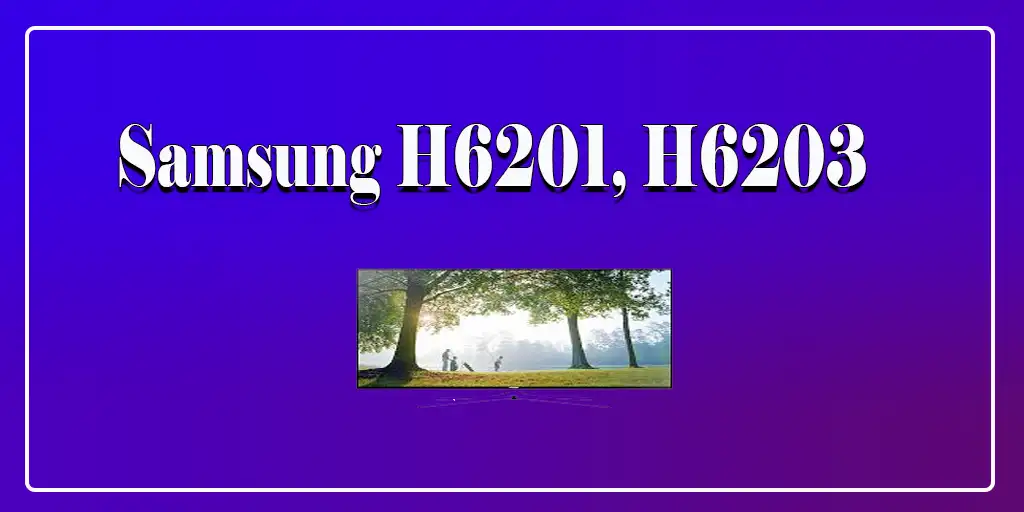
Unlike factory default settings, which often result in overly bright colors and artificial sharpness, these settings are designed to provide accurate color reproduction, balanced contrast, and a more comfortable viewing experience.
The Backlight setting controls the intensity of the LED backlight. A value of 16 offers a good balance between screen brightness and black level performance.
Contrast is set to 99 to maximize the difference between bright and dark areas of the picture while preserving detail in highlights.
Brightness is adjusted to 47 to maintain proper black levels and preserve shadow detail without making dark scenes appear washed out.
Sharpness is set to 0 because additional sharpening often introduces artificial outlines around objects, reducing the natural appearance of the image.
The Color setting remains at 50, which is the neutral value and provides accurate and balanced color reproduction.
Dynamic Contrast is disabled because it continuously alters brightness and contrast depending on the scene. Turning this feature off helps preserve detail in dark areas and prevents sudden changes in image brightness.
The Black Tone setting is also disabled, as it artificially darkens shadow areas and may hide fine details in darker scenes.
Flesh Tone remains at 0 to preserve natural skin tones and prevent faces from appearing overly red or orange.
RGB Only Mode is turned off because it is primarily intended for calibration purposes and is not required for normal viewing.
Color Space is set to Auto, allowing the TV to automatically select the appropriate color gamut for the content being displayed.
The Gamma setting is adjusted to 1, which slightly brightens midtones and improves visibility in darker scenes without significantly affecting overall contrast.
Color Tone is set to Warm2, as this option is closest to professional video standards and provides more accurate whites and natural-looking colors.
The Screen Fit option is selected to display the entire image without cropping the edges or applying overscan.
HDMI Black Level is set to Low to ensure correct black levels when using external devices such as Blu-ray players, streaming devices, or game consoles.
Film Mode is disabled because most modern content does not require additional film processing, and turning it off avoids unnecessary image alterations.
The Digital Noise Filter is disabled because noise reduction processing can soften fine details and reduce overall image clarity, particularly when viewing high-quality HD content.
LED Clear Motion is turned off because, although it can reduce motion blur by inserting black frames, it also lowers screen brightness and may introduce visible flicker.
The MPEG Noise Filter is also disabled, as modern high-quality video sources generally do not require additional compression noise reduction, and disabling this feature helps preserve fine image detail.
SETTINGS | |
| Picture Mode | Movie |
| Backlight | 16 |
| Contrast | 99 |
| Brightness | 47 |
| Sharpness | 00 |
| Color | 50 |
| Tint | G50/R50 |
| Dynamic Contrast | Off |
| Black Tone | Off |
| Flesh Tone | 0 |
| RGB Only Mode | Off |
| Color Space | Auto |
| Gamma | 1 |
| Color Tone | Warm2 |
| Size | Screen Fit |
| HDMI Black Level | Low |
| Film Mode | Off |
| Digital Noise Filter | Off |
| LED Clear Motion | Off |
| MPEG Noise Filter | Off |
| WHITE BALANCE | |
| Setting | Value |
| R-Offset | 24 |
| G-Offset | 24 |
| B-Offset | 26 |
| R-Gain | 21 |
| G-Gain | 21 |
| B-Gain | 19 |