

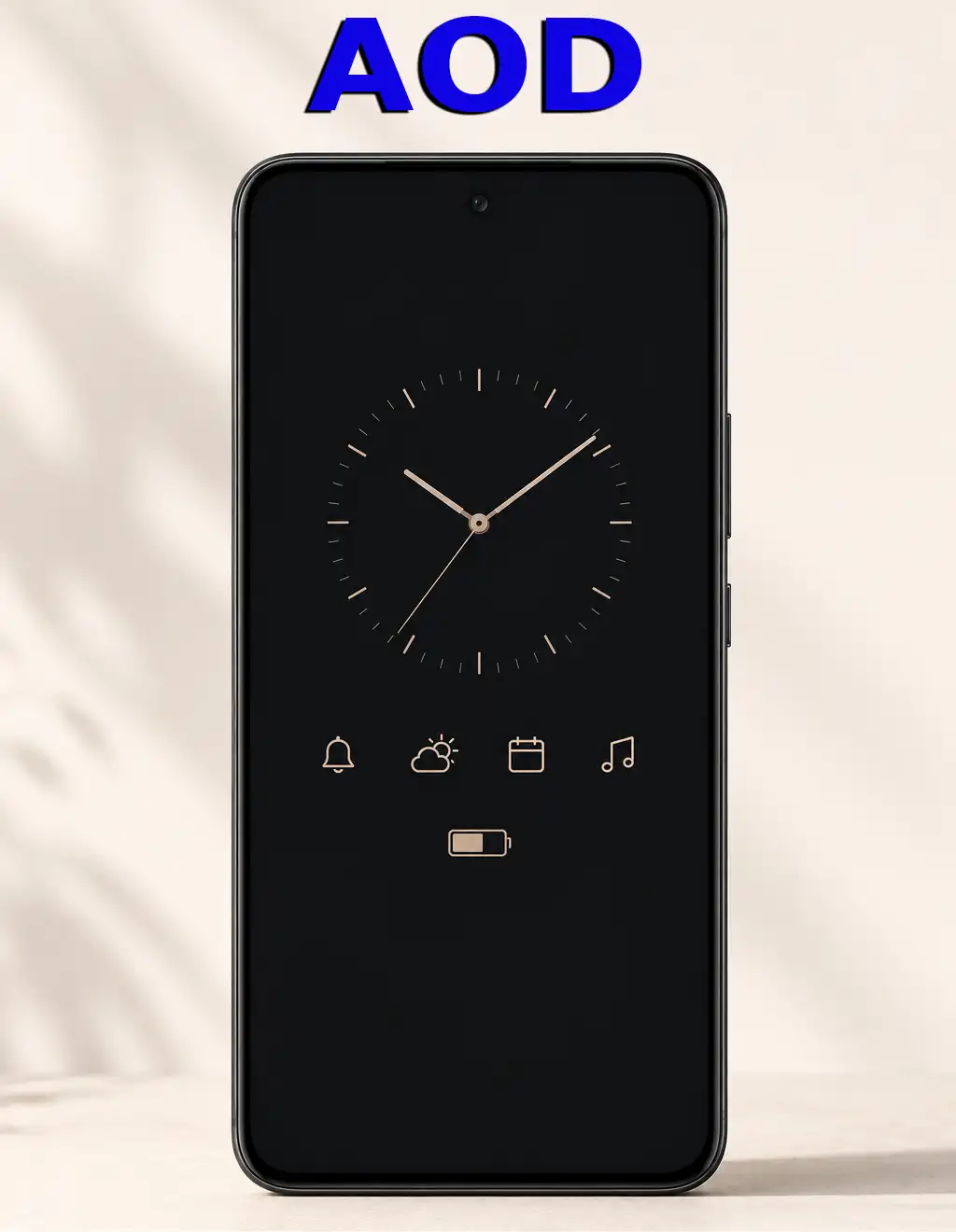
The “Always On Display” (AOD) feature was introduced in the early 2010s and is available on many smartphones, smartwatches, and some laptops; it allows certain information to be displayed on a locked device or in standby mode. Instead of turning the display off completely, AOD mode displays user-selected information, such as the time, date, battery level, notifications, and other widgets, while consuming very little power.
How the Always On Display (AOD) Feature Works
The Always On Display (AOD) feature is most commonly available on devices equipped with OLED or AMOLED screens. However, some modern smartphones with advanced LED displays can also support AOD technology.
OLED displays are particularly well-suited for AOD because each pixel emits its own light and can be controlled independently. This allows the device to illuminate only the pixels needed to display information such as the time, notifications, or battery status, while the rest of the screen remains completely off. As a result, power consumption is kept to a minimum.
Implementing AOD on LED displays is more challenging because these panels rely on a backlight. Keeping the backlight active would normally increase power consumption significantly. To address this, manufacturers use advanced backlighting systems divided into multiple zones, allowing only a small portion of the display to be illuminated when AOD is active. In some designs, a dedicated low-power display layer is integrated specifically for showing AOD information.
To further reduce energy usage, devices operating in AOD mode minimize display activity by lowering the screen refresh rate and limiting the amount of information being updated. These optimizations allow essential information to remain visible while having only a minimal impact on battery life.
Managing Always On Display (AOD)
The Always On Display (AOD) feature is typically managed through the device’s display or lock screen settings. Depending on the manufacturer and operating system, users can enable or disable the feature, as well as customize its behavior and the information displayed.
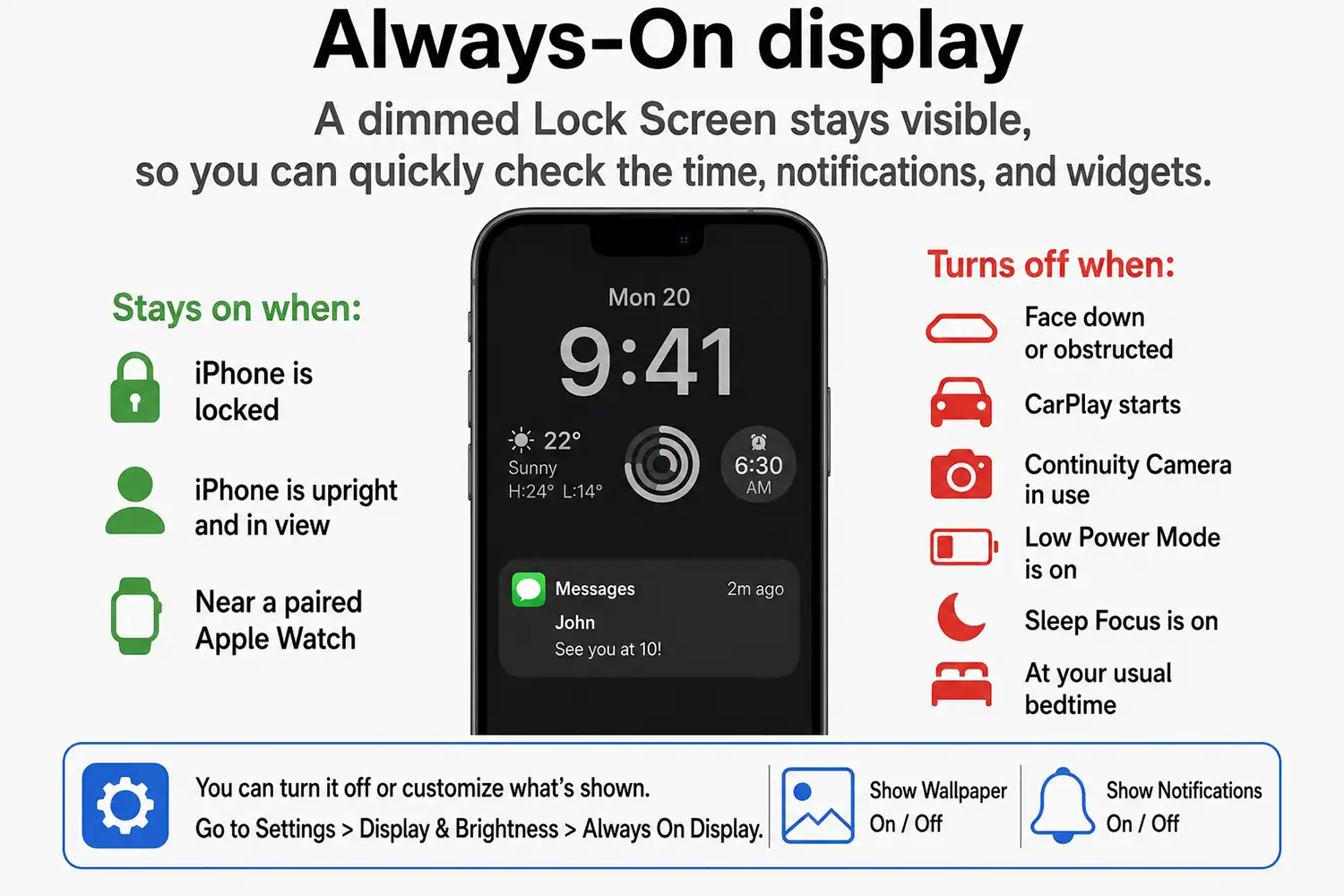
Typically, the following AOD controls are implemented in the OS:
Enabling or disabling Always On Display
Configuring the operating mode (always on or on a schedule)
Activating only when notifications appear
Selecting clock faces, fonts, and colors
Showing or hiding notifications
Displaying information about the battery, weather, calendar, or music
Activation when the device is tapped or picked up
Some devices use sensors that automatically optimize AOD performance. For example, the feature may turn off when the phone is face down, in a pocket, or has not been used for a long time.