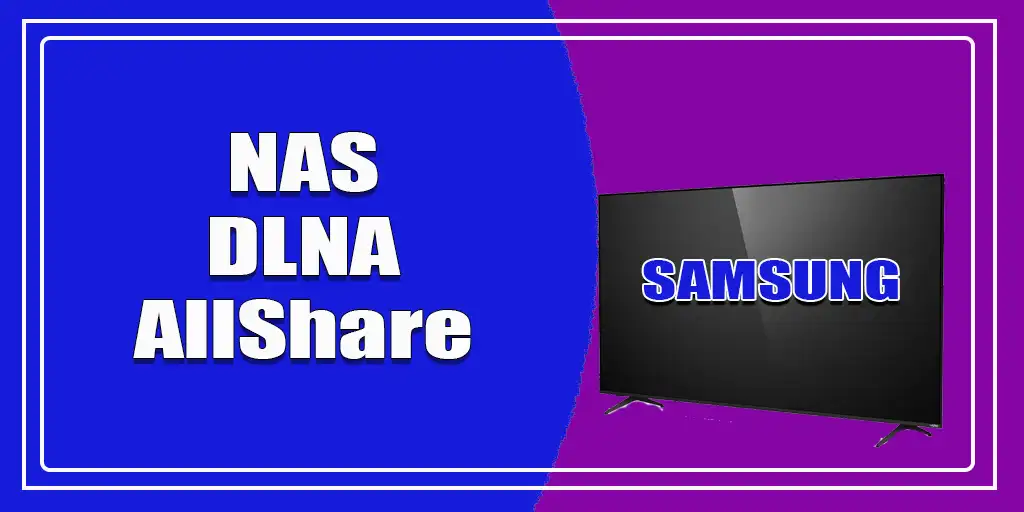
The Digital Living Network Alliance (DLNA) is a standard that allowed compatible devices, such as televisions, computers, and network storage systems, to share multimedia files and stream them over a home network. This protocol was primarily used with TVs to view movies or photos on the TV screen from a computer; in this case, the computer typically served as file storage, while the TV acted as a display.
The computer acted as a network-attached storage (NAS) device—a network storage system capable of storing files and, depending on the installed software, providing services for sharing photos, videos, and music with other devices on the network.
Older Samsung Smart TV models had built-in DLNA support. Samsung used the name AllShare for many of its network-based multimedia sharing features. This allowed compatible TVs to locate media servers on the local network and play supported video, audio, and image files without copying them to a USB drive. In modern Samsung TVs, AllShare is not mentioned in the technical documentation; according to user reviews, some TVs work with network storage systems, but with certain limitations, such as the requirement to name folders on the server using only Latin letters—numbers and symbols such as hyphens, quotation marks, etc., are not allowed.
How DLNA Technology Worked on Samsung TVs
A typical home network configuration could look like this:
Computer → DLNA Media Server → Samsung TV
The computer stored the media files and ran a DLNA-compatible media server program. One example was Home Media Server, although many other applications could also be used.
The user selected folders containing movies, music, or photos and added them to the server’s library. The Samsung TV could then discover the server on the local network, browse the available folders, and play compatible files.
A network-attached storage (NAS) device could also provide media server functionality. Such configurations were commonly used in business environments.
The TV primarily acted as a DLNA client, while the computer or other network device provided the media server.
Samsung AllShare and DLNA
Samsung used the name AllShare for its multimedia file-sharing technology. This was a marketing name for technology based on the DLNA protocol, which allowed compatible devices to share multimedia content over a local network.
Depending on the TV model and software version, AllShare could provide access to videos, photos, and music stored on a computer or other compatible devices.
In the TV’s source selection menu, AllShare could appear alongside connections such as HDMI. After selecting AllShare, the TV scanned the local network for available media servers.
If the DLNA server was running on the computer, the TV detected it and displayed its available folders. The user could open a folder, select a movie, and start playback on the TV.
DLNA Today
DLNA is no longer the primary technology for sharing media between devices. This is due to changes in how content is consumed. Users are increasingly turning to built-in streaming apps, as well as technologies like AirPlay and Google Cast, which make it easier to stream content from smartphones and computers to TVs. Today, few people store movies or photos on their computers; movies are more often watched on online platforms, and photos are stored in the cloud. Samsung no longer lists DLNA support in the technical specifications of its devices, but if you still need access to media files on your computer, you can use the Jellyfin media server—once installed on your computer, it supports not only DLNA but also Chromecast.