

Tag: TV’s Samsung
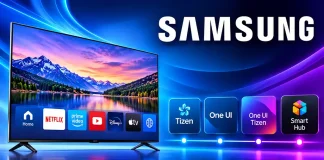
Samsung TV OS versions by year and model
Since 2015, Samsung Smart TVs have used the Tizen operating system, with versions progressing from Tizen 2.3 in 2015 to Tizen 10.0 in 2026....

How to Use Picture in Picture and Multi View on Samsung...
The Picture-in-Picture (PiP) feature allows you to watch a second video in a small window overlaid on the main image. Modern TVs take this...
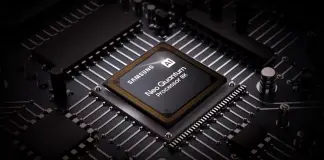
Samsung TV Processors by Year, 2019–2026
Updated October 2026
In recent years, Samsung Neo Quantum processors have evolved into a family of AI-based chips. In 2021, the company announced that the...
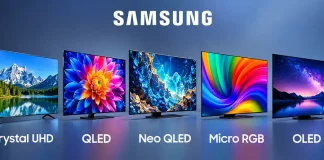
Samsung TV Lines explained, Features, Differences and Which One to Buy
Last updated: October 2026
Samsung manufactures TVs under a wide variety of names: Crystal UHD, QLED, Neo QLED, Mini LED, OLED, Micro RGB, and The...
PQI Picture Quality Index Samsung TV
PQI (Picture Quality Index) is Samsung’s proprietary picture quality rating used in the specifications of some older TVs. It is not a refresh rate...
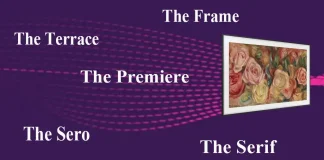
Samsung Lifestyle TVs, The Frame, Serif, Terrace, Sero, Premiere and Movingstyle
Last updated: October 7, 2026
Samsung Lifestyle TVs are televisions designed to be part of the interior rather than simply placed in front of the...
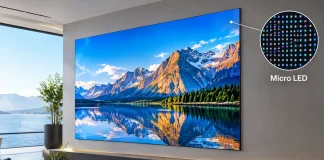
Micro LED Display Technology and Features
Micro LED is a display technology that uses microscopic light-emitting diodes (LEDs) to form an image. Each pixel consists of several dozen micro-LEDs, and...

How to connect headphones to Samsung TV
Modern Samsung TV gives you the opportunity to connect to them a variety of accessories. You can also connect your headphones to the TV.
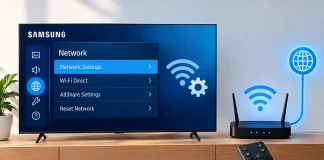
How to change network configuration on your Samsung TV
If your network configuration has changed, you need to reconnect all the devices to it. But how to change network configuration on Samsung TV? Read in this article.

What Is Peak Illuminator on Samsung TVs?
Peak Illuminator was a Samsung TV picture-processing technology used in some models in the mid-2010s. It was designed to increase the brightness of highlights...
