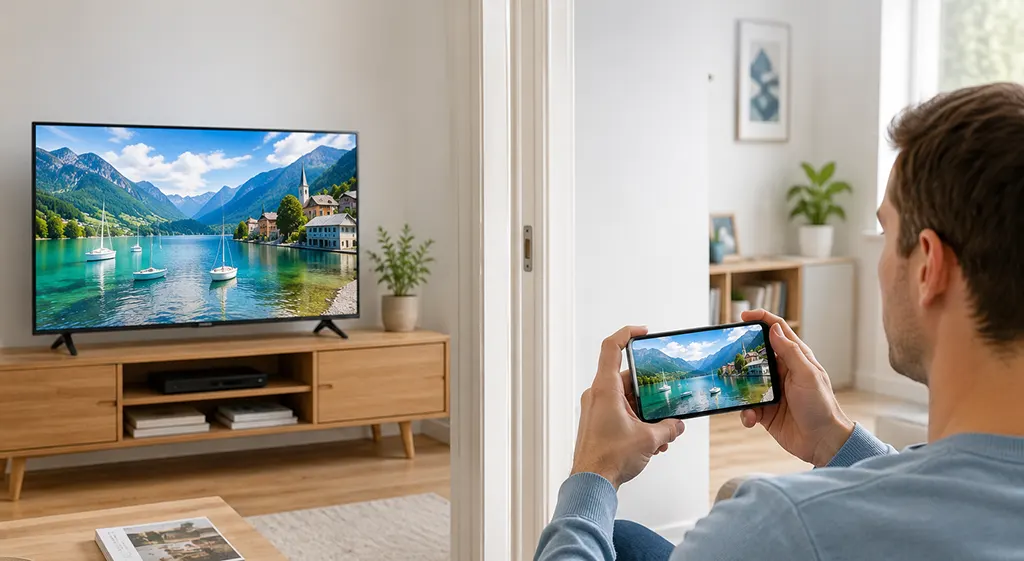
Wi-Fi Smart Screen is a feature found on some Philips TVs that lets you watch the TV picture on a smartphone or tablet over a wireless connection. It can be useful when you want to leave the room but continue watching the same program on a mobile device.
Depending on the TV generation, Philips implemented this function through different applications and wireless technologies. Older models used Philips MyRemote, while newer TVs may offer Screen Mirroring or other screen-sharing options.
What is Wi-Fi Smart screen?
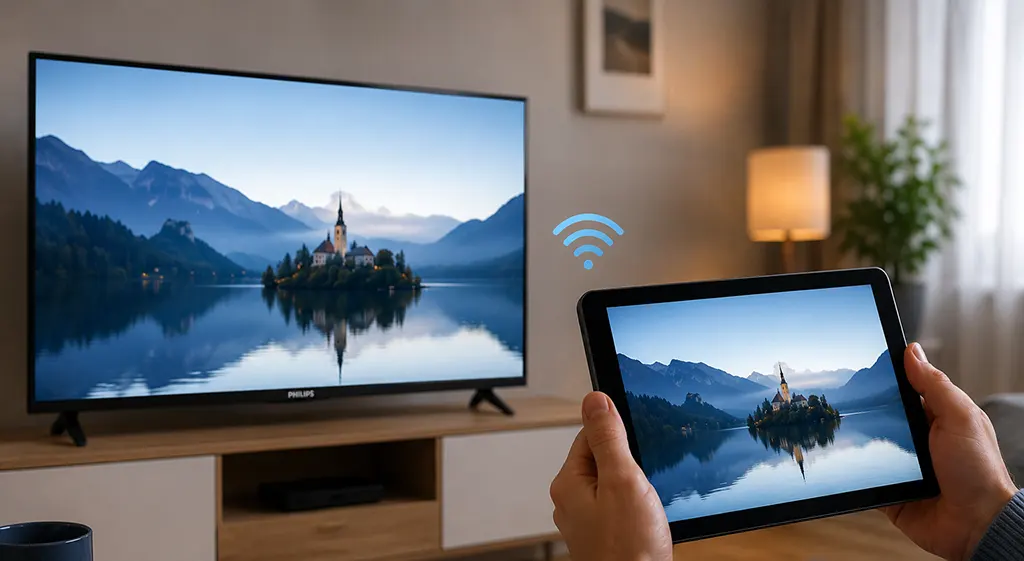
Wi-Fi Smart Screen is Philips’ name for a function that sends the picture from the TV to a compatible mobile device using Wi-Fi. Unlike conventional screen mirroring, where a phone sends its screen to the TV, Smart Screen works in the opposite direction.
For example, you can watch a television program in the living room and then continue watching it on your tablet in another room. The TV remains in place while its picture is transmitted wirelessly to the mobile device.
How does Philips Smart screen work?
The exact procedure depends on the Philips TV model and its software. On compatible models, you need to install the appropriate Philips remote-control application on your smartphone or tablet and enable Smart Screen on the TV.
After the devices establish a connection, the television sends its picture to the mobile device over Wi-Fi. The application can also provide remote-control functions, allowing you to operate the TV from your phone or tablet.
Some Philips TVs also support the reverse process, allowing you to send video, photos, or other content from a smartphone to the TV.
My Philips TV does not have Wi-Fi Smart screen
If your TV does not have Wi-Fi Smart Screen, check whether it offers Screen Mirroring, Cast, or another wireless display function. Philips has changed the names and available features across different generations of TVs.
Modern TVs also rely heavily on streaming applications. Services such as YouTube can send video directly from a smartphone to a compatible TV. Simply tap the Cast icon and select the TV from the list of available devices.
The available functions depend on the specific Philips TV model, its operating system, and software version. For many users today, dedicated streaming applications have largely replaced the need to transmit the entire TV picture to a mobile device.