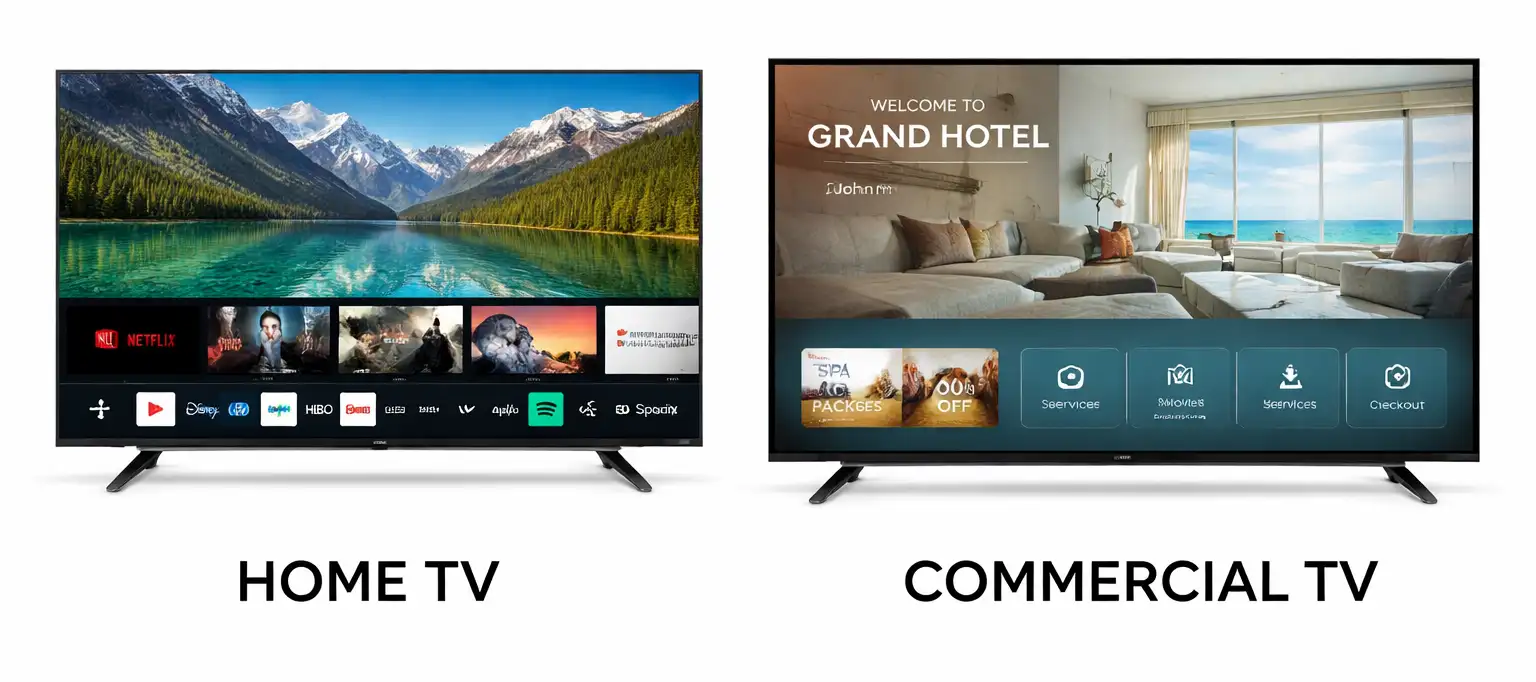
Televisions are designed for different operating conditions and purposes. Manufacturers generally divide them into two main categories: consumer TVs for home use and commercial TVs for professional applications. Commercial models can be adapted for specific environments, including hotels, hospitals, offices, conference rooms, and digital signage.
Although commercial and consumer TVs may use similar display panels, processors, and operating systems, they can differ in their features, control options, operating conditions, and warranty terms.
Consumer TVs
Consumer TVs are primarily designed for personal entertainment. They are intended for everyday use in living rooms, bedrooms, and other residential spaces.
They support over-the-air television channels, streaming applications, HDMI connections for game consoles and other external devices, and conventional remote controls.
Home TVs are generally designed for several hours of daily use rather than continuous professional operation. The owner is expected to operate the TV directly and freely adjust its settings.
Commercial TVs
Commercial TVs are designed for environments where the TV is used by many different people or where centralized control is required.
Depending on the model, they may offer password-protected settings, configurations for hotel or professional environments, centralized control, customizable channel lists, restricted access to certain functions, and cloning of settings via USB or over a network. Some models also support pairing a remote control with a specific TV and provide anti-theft mounting options such as Kensington locks.
Some manufacturers classify TVs as hotel TVs or hospital TVs, but the differences between these models are generally minor. They often use the same operating system and similar settings, while differences may be found in the materials used for the housing.
Hospital TVs, for example, may use special plastic with fewer microscopic pores. This makes the surface easier to clean and helps prevent contamination, which is important in healthcare environments.
Commercial TVs are also designed for more intensive use than consumer models. For example, if a consumer TV is used for commercial purposes, its warranty period may be reduced. In some cases, the warranty can be limited to three months. The exact terms depend on the manufacturer, country, and warranty conditions.
Commercial TV vs Home TV
The main differences are not necessarily the display panel or image resolution. A commercial TV can use essentially the same basic display technology as a consumer model while offering additional management and security functions.
| Feature | Home TV | Commercial TV |
|---|---|---|
| Main purpose | Home entertainment | Professional use |
| TV tuner | Usually included | Usually included in TV models |
| Streaming apps | Common | Depends on the model |
| Centralized management | Limited | Common |
| Password-protected settings | Limited | Common |
| Custom channel lists | Basic | Advanced |
| Cloning settings | Usually unavailable | Often available |
| Hotel mode | No | Often available |
| Professional remote control support | Limited | Often available |
| Anti-theft features | Limited | Available on some models |
| Digital signage | Not intended | Supported by dedicated displays |
| Continuous professional operation | Not the primary purpose | Designed for professional applications |
The exact features vary between manufacturers and models, so not every commercial TV includes all of these functions.
Can a commercial TV be used at home?
Yes. Generally speaking, a commercial TV can be used at home just like a regular TV. However, many of its professional features may not be necessary in a home setting. For home users, a consumer TV is usually a more practical choice, as it is designed specifically for home entertainment and is often less expensive.
Can a consumer TV be used in a commercial setting?
Consumer TVs can be used in a commercial setting, but it’s not as convenient—there may be issues with the remote control, especially if several TVs are placed close together—but they’re often used as advertising displays to show commercials or as information boards in small offices.