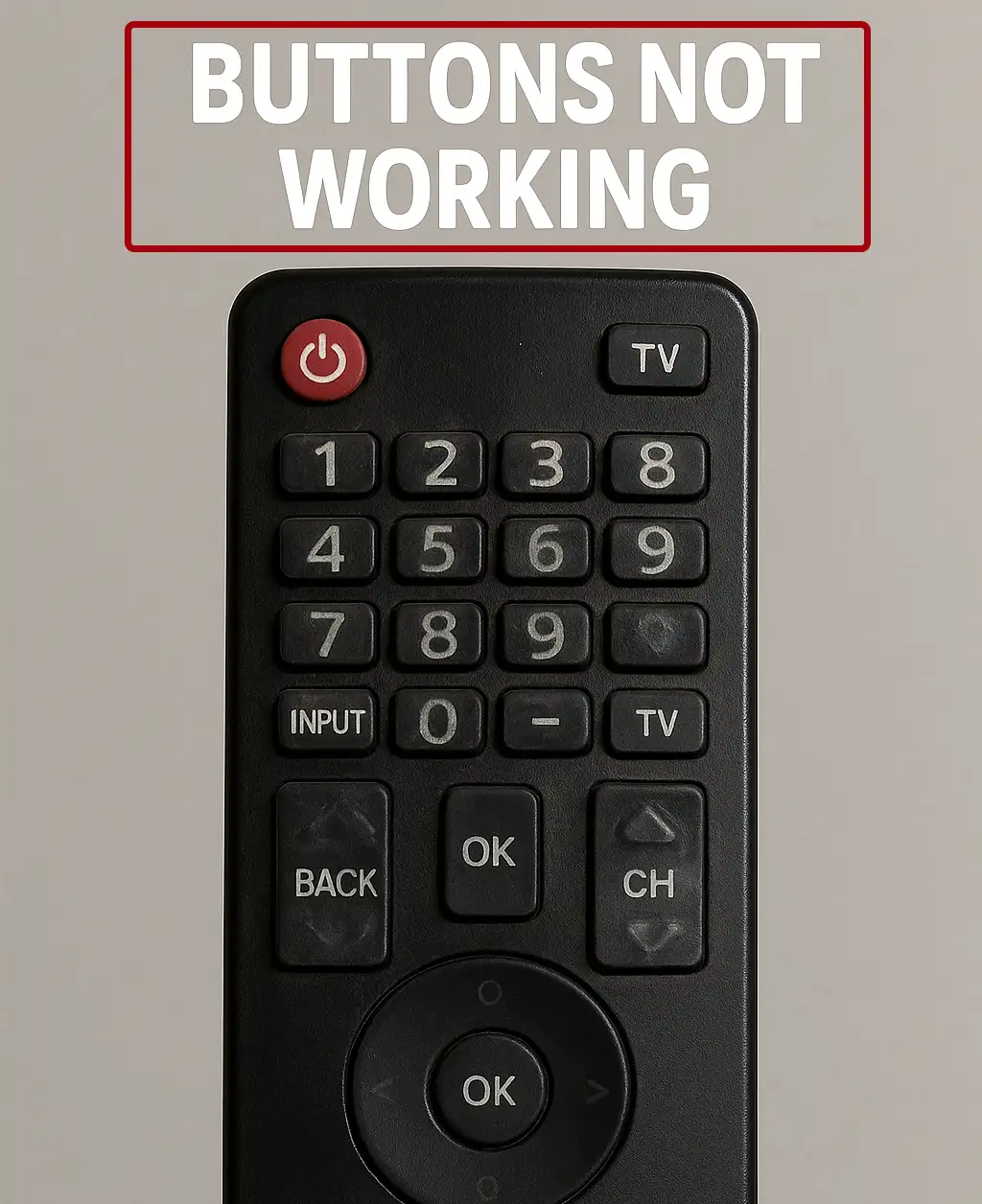
A TV remote control is a simple device, but several different problems can cause it to stop working. Sometimes the remote does not work at all, while in other cases only certain buttons stop responding or work only when pressed very firmly.
Before replacing the remote, it is worth checking whether the problem is caused by the batteries, the infrared transmitter, dirt inside the remote, or worn button contacts. Many common problems can be identified and fixed without special equipment.
How to check If your TV remote control transmits an infrared signal
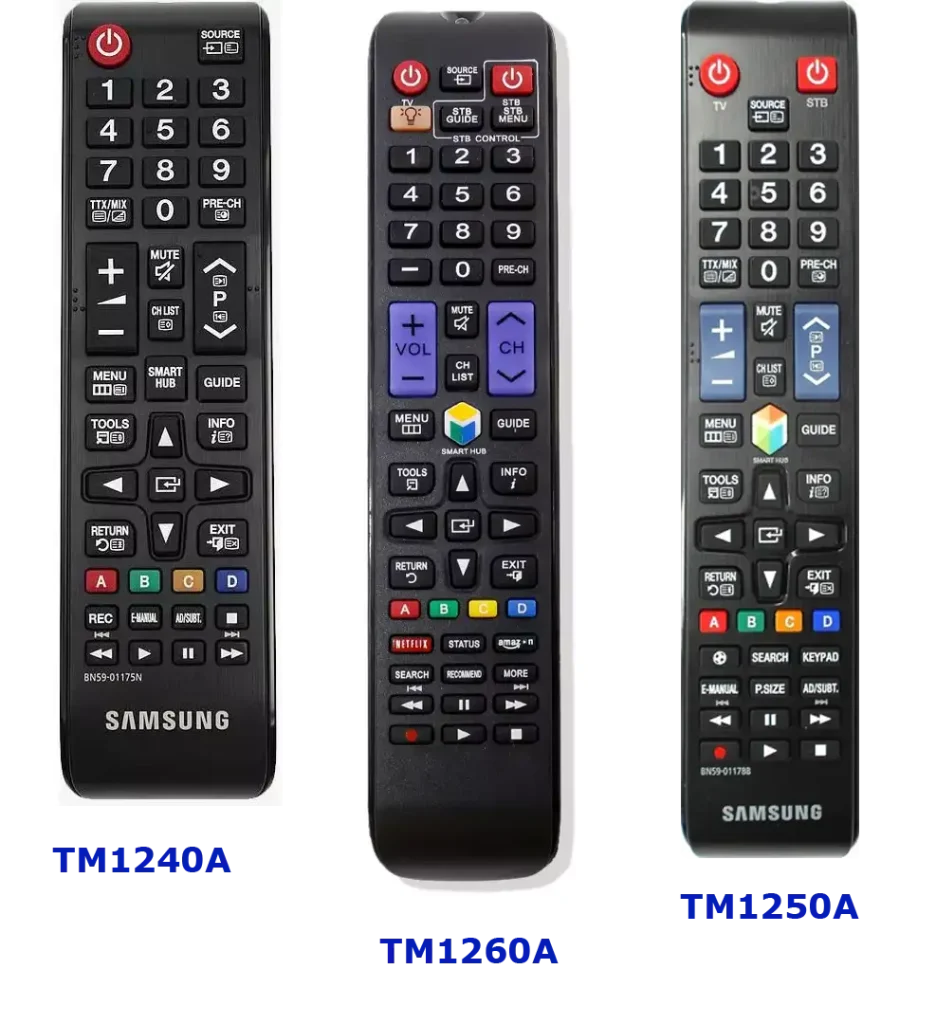
Most standard TV remote controls communicate with the TV using infrared (IR) radiation. The IR transmitter is usually a small LED located on the front panel of the remote and hidden behind a dark plastic window. Smart remotes usually also communicate with the TV via Bluetooth.
Infrared radiation is invisible to the human eye, but many smartphone cameras and digital cameras can detect it.
To check whether the remote is emitting a signal, do the following:
Launch the camera app on your smartphone or use a digital camera.
Point the front of the remote toward the camera.
Press one of the buttons on the remote.
Look at the camera screen.
If the remote is transmitting an infrared signal, you’ll see the LED on the remote flashing on the camera screen. This is a quick way to determine whether the remote is transmitting a signal. However, this test does not confirm that all buttons are working properly. If the IR LED does not flash, install a new set of batteries and repeat the test. If the signal is still not visible, there may be an internal malfunction in the remote.
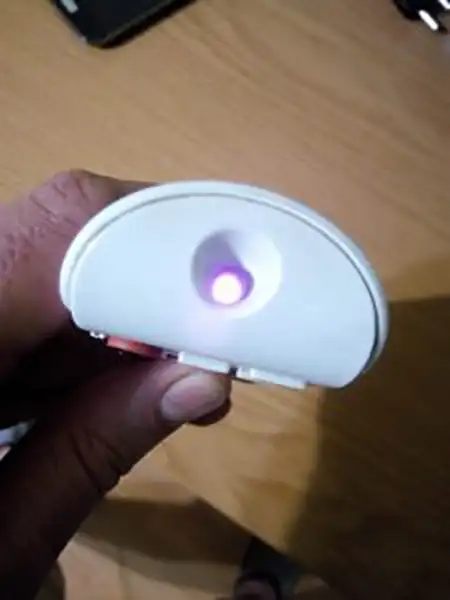
If only some buttons on the remote control are not working
The remote control may work normally with most buttons, while some buttons respond only when pressed very firmly or repeatedly. This usually indicates a problem with the button contacts rather than with the infrared transmitter.
Inside the remote control, each rubber button presses against conductive contacts on the circuit board. When you press a button, the conductive material on its underside connects the corresponding contacts, allowing the remote’s electronics to identify the command and transmit it to the TV.
With frequent use, these contacts can become dirty or worn. The buttons used most often—such as volume, channel selection, OK, and navigation buttons—are therefore more likely to develop problems.
When you open a remote control, you may sometimes find a sticky or greasy-looking substance underneath the most frequently used buttons. It can resemble silicone, although its exact composition depends on the materials and construction of the particular remote. This residue can accumulate together with dust, skin oils, and other contaminants.
As the buildup increases, the conductive surface on the underside of the button may no longer make reliable contact with the circuit board. The button may then require more pressure than normal to register a command or may work only intermittently.
How to clean a TV remote control
If the infrared test shows that the remote control is transmitting a signal but some buttons are not working properly, cleaning the remote may solve the problem.
First, remove the batteries. The remote should be completely disconnected from its power source before you disassemble it.
Carefully separate the remote control housing. Depending on the design, the two halves may be secured with screws, plastic clips, or a combination of both. Take care when opening the housing, as the plastic clips can break if excessive force is used.
Remove the rubber button pad and inspect both sides. Pay particular attention to the areas underneath the buttons that are used most frequently.
The rubber button pad and plastic housing can usually be cleaned with a mild soapy solution. A cleaning solution designed for TFT/LCD screens, such as those used for monitors and laptops, can also be used and may be more convenient.
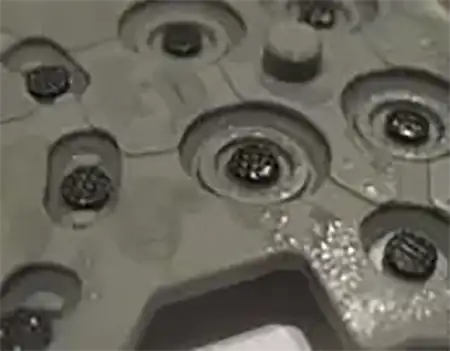
The circuit board requires more care. Do not submerge it in water or wash it under running water. Instead, gently clean the board and its contacts with a suitable electronics-safe cleaning solution. Make sure that no excess liquid remains on the board.
After cleaning, carefully inspect the underside of the rubber button pad. Each button normally has a small conductive area that makes contact with the corresponding contacts on the circuit board. These conductive areas should also be cleaned, as dirt and residue on them can prevent the button from making reliable electrical contact.
Allow all parts to dry completely before reassembling the remote control and installing the batteries.
Weak or depleted batteries can also cause inconsistent response. When the power is low, the remote may not stop working completely, but it might require you to press the buttons multiple times or aim directly at the TV. Replacing the batteries with fresh ones can often restore normal function.
What if the remote only works right next to the TV?
If the remote control works but its operating range has become unusually short, start by replacing the batteries, as this is the most likely cause. Also check the contacts inside the battery compartment for signs of corrosion. Poor contact can also cause the remote to work incorrectly.
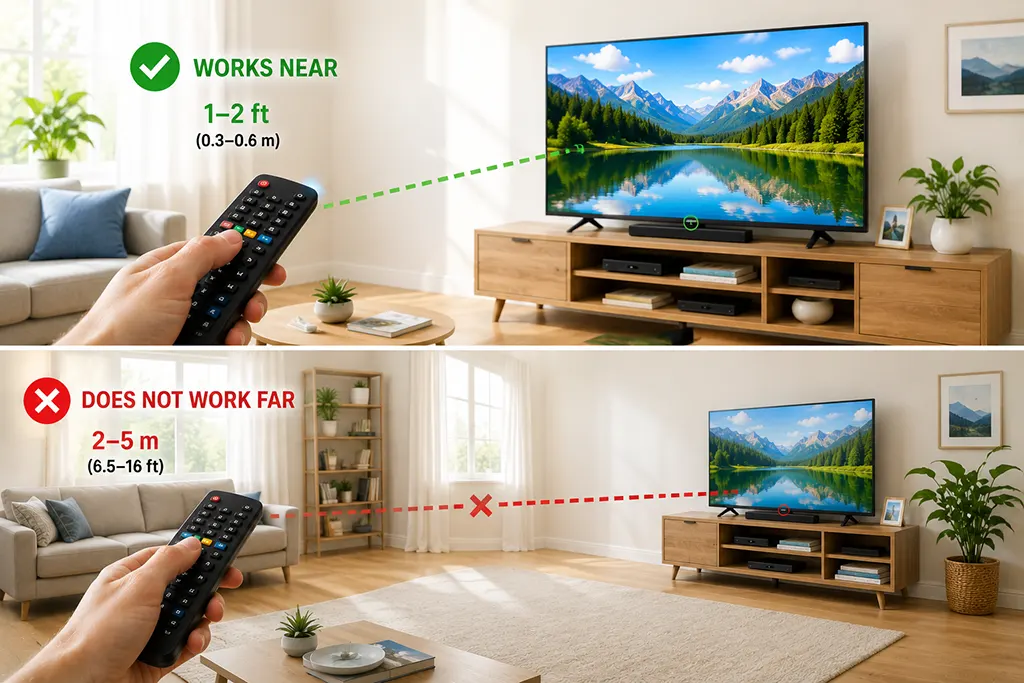
Check the infrared receiver on the TV as well. Make sure it is not blocked by any objects, decorative items, or other obstacles.
The infrared receiver in the TV itself almost never fails. If you do not want to repair the remote control, you can simply replace it with a new one. Universal remote controls are inexpensive and available from various manufacturers.