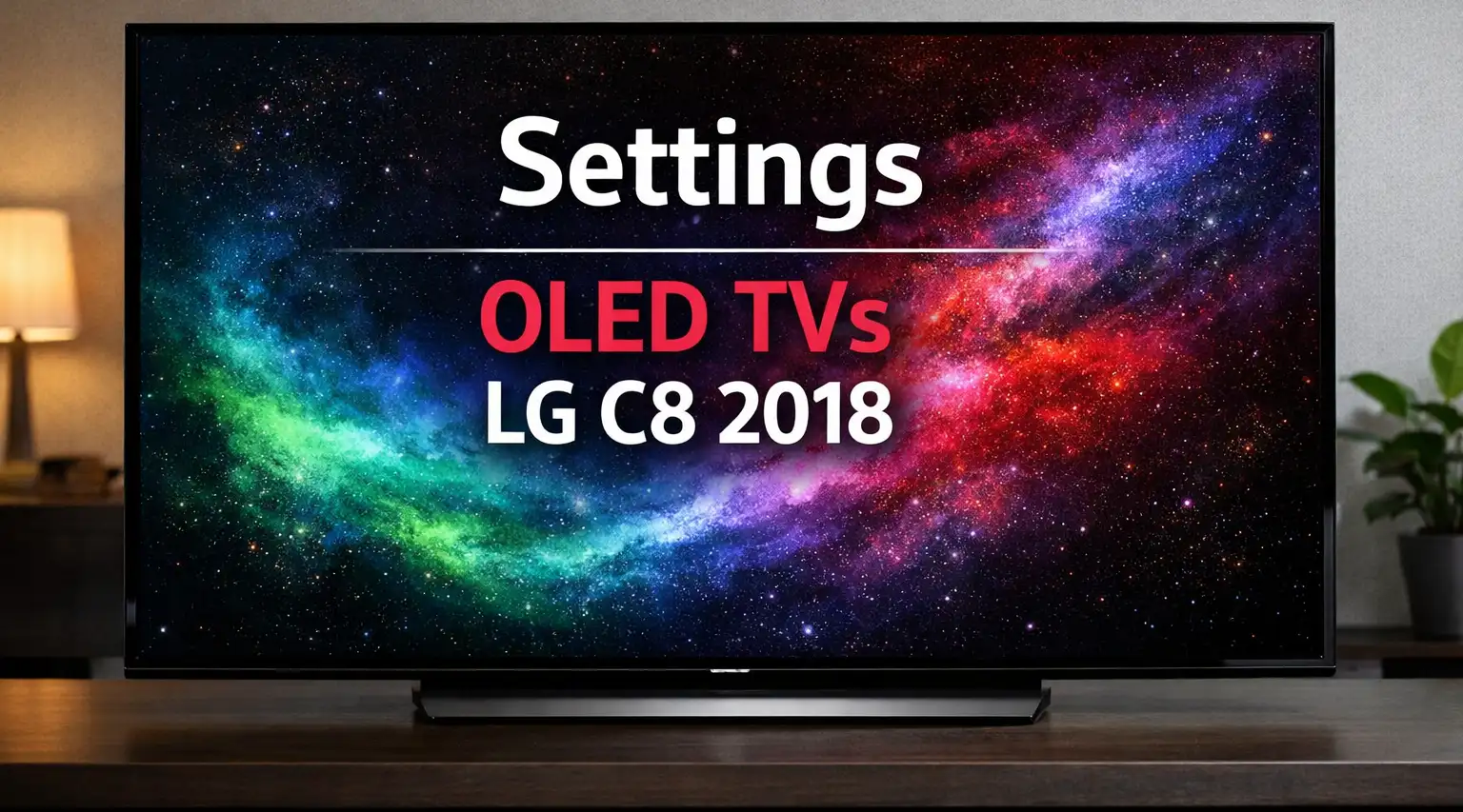
The LG C8 is a 2018 OLED TV available in different regional versions and screen sizes. The models covered by these settings are 55C8PLA, 65C8PLA, 77C8PLA, 55C8PUA, 65C8PUA, 77C8PUA, 55C8GNA, 65C8GNA, and 77C8GNA.
The model suffix identifies the market. PLA models were sold in Europe, PUA models in the United States and Canada, and GNA models in Germany. The settings below are intended for the LG C8 series and can be used as a starting point for adjusting the picture on these TVs.
LG C8 picture settings
These settings use the Standard picture mode and are intended to provide a balanced picture without excessive image processing. OLED Light is set to 25, while Contrast is set to 100 and Brightness to 50. Sharpness is set to 0 to avoid adding artificial edge enhancement.
Color is set to 52, with Warm2 selected as the color temperature and Gamma set to 2.2. Energy Saving is disabled so that the picture brightness is not reduced by the energy-saving function.
| Setting | Recommended value |
|---|---|
| Aspect Ratio | 16:9 |
| Just Scan | On |
| Energy Saving | Off |
| Picture Mode | Standard |
| OLED Light | 25 |
| Contrast | 100 |
| Brightness | 50 |
| Sharpness | 0 |
| Color | 52 |
| Tint | 0 |
| Gamma | 2.2 |
| Color Temperature | Warm2 |
These values are a baseline rather than a requirement for every viewing environment. In particular, OLED Light controls the overall light output of the OLED panel, so you may need to adjust it depending on the brightness of the room.
LG C8 image processing settings
The C8 includes several processing options that can change the appearance of the picture. The settings below disable most of these functions to avoid unnecessary processing.
Dynamic Contrast and Super Resolution are disabled, while Color Gamut is left at Auto and Color Filter is turned off.
Noise Reduction and MPEG Noise Reduction are also disabled. Real Cinema is enabled, while Motion Eye Care and TruMotion are turned off. Dynamic Tone Mapping is enabled for HDR content.
| Setting | Recommended value |
|---|---|
| Dynamic Contrast | Off |
| Super Resolution | Off |
| Color Gamut | Auto |
| Color Filter | Off |
| Noise Reduction | Off |
| MPEG Noise Reduction | Off |
| Black Level | Low |
| Real Cinema | On |
| Motion Eye Care | Off |
| TruMotion | Off |
| Dynamic Tone Mapping | On |
TruMotion is disabled in these settings because it adds motion processing and can change the way films and other content look. Real Cinema is kept on for movie playback.
Dynamic Tone Mapping is a separate setting used for HDR. It changes how HDR brightness information is mapped by the TV and is therefore relevant when watching HDR content.
LG C8 White Balance settings
The original calibration settings also include adjustments for White Balance. These values modify the red, green, and blue levels at different IRE points.
IRE values represent different brightness levels, from very dark tones to the brightest part of the image. These adjustments are more specific than the basic picture settings and should not be changed casually if you do not have a reason to use them.
| IRE | Red / Green / Blue |
|---|---|
| 5 | 0 / -1 / 1 |
| 10 | 1 / 0 / -1 |
| 15 | -1 / 0 / -1 |
| 20 | -2 / -3 / -3 |
| 25 | 1 / -1 / -2 |
| 30 | 1 / 0 / -1 |
| 35 | 0 / -2 / -2 |
| 40 | 3 / -4 / -5 |
| 45 | -3 / -4 / -5 |
| 50 | -2 / -3 / -3 |
| 55 | 0 / 0 / 0 |
| 60 | -3 / -5 / -5 |
| 65 | -9 / -10 / -12 |
| 70 | 0 / -1 / -2 |
| 75 | 1 / 1 / 0 |
| 80 | 1 / 1 / 1 |
| 85 | -8 / -8 / -8 |
| 90 | -10 / -10 / -10 |
| 95 | -1 / -1 / 0 |
| 100 | 0 / 0 / -1 |
These White Balance values are part of the calibration data and are separate from the basic picture settings. If you are only looking for everyday LG C8 picture settings, the first two tables are the main settings to use.
LG C8 Color Management settings
The Color Management System (CMS) provides individual adjustments for the primary and secondary colors. The values below are the original settings for the C8 calibration.
| Color | Hue / Saturation / Luminance |
|---|---|
| Red | 0 / 0 / 0 |
| Green | 1 / 10 / 0 |
| Blue | 1 / 0 / 0 |
| Cyan | 0 / 0 / 0 |
| Magenta | 2 / 5 / 1 |
| Yellow | 0 / 0 / 0 |
CMS adjustments are more specialized than the normal picture controls. If the TV already produces the expected colors, there is generally no reason to change these values simply for the sake of changing them.
LG C8 models covered by these settings
The article applies to the following 2018 LG C8 models:
| Region | Models |
|---|---|
| Europe | 55C8PLA, 65C8PLA, 77C8PLA |
| United States and Canada | 55C8PUA, 65C8PUA, 77C8PUA |
| Germany | 55C8GNA, 65C8GNA, 77C8GNA |
The different model suffixes identify regional versions of the LG C8. The screen size is identified by the first number in the model name, while C8 identifies the TV series and model generation.
Using these settings on an LG C8
The values above should be treated as a starting point for the LG C8 rather than as a universal calibration for every individual TV. OLED Light can be adjusted according to the lighting in the room, while other settings can depend on the type of content being watched.
The most important basic settings are Picture Mode, OLED Light, Contrast, Brightness, Sharpness, Color, Gamma, and Color Temperature. The additional processing, White Balance, and CMS settings provide more detailed control over the picture.
For a normal viewing setup, it is not necessary to change every available option. The basic settings provide the main picture adjustments, while White Balance and CMS are intended for more precise calibration.