Black Friday is a good time to buy a TV, but only if you check three things first: the exact model, the specifications and the real price. A large “50% off” label tells you very little on its own.
In 2026 Black Friday falls on 27 November and Cyber Monday on 30 November. Retailers use the period to clear previous-generation stock and attract customers, so the best deals often go to older models and to TVs made specifically for sales events. This guide shows how to tell a genuine bargain from a good-looking price tag.
Check the TV model number
The first step is to find the complete model number. It identifies the exact TV, its release year and its specifications. A marketing name such as “55-inch 4K Smart TV” is not enough.
Retailers often sell several generations of the same series at the same time, and a previous-generation model can receive a large discount when newer ones arrive. An older TV is not necessarily a bad choice: if its specifications fit your needs and the price is significantly lower, it can be a better purchase than the newest model.
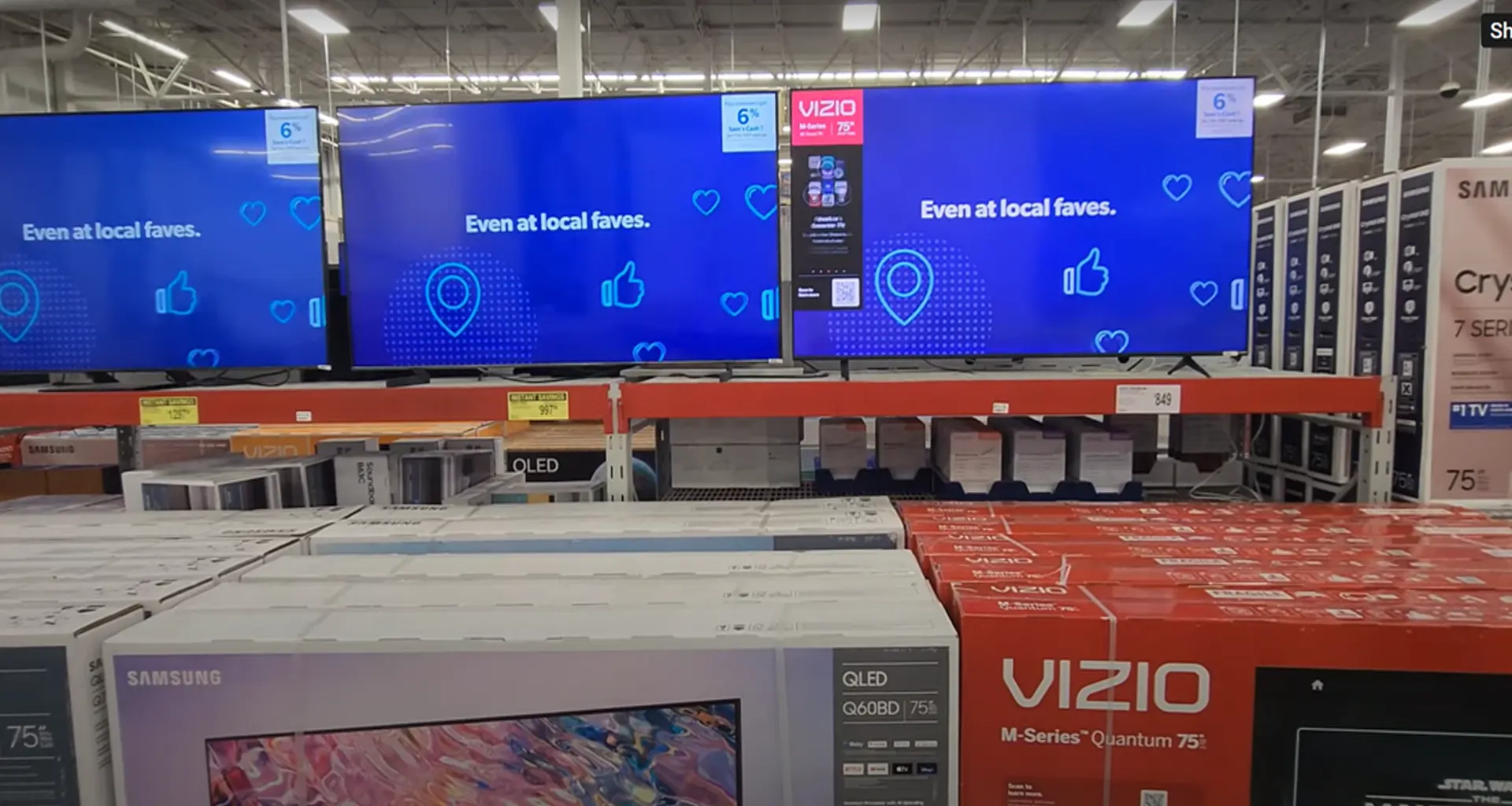
Be careful with models that appear only in sales. Large retail chains that sell tens of thousands of TVs often order special versions from manufacturers, and these carry slightly different model numbers. In many regions such versions have a simpler panel, fewer HDMI ports or a weaker processor than the regular model of the same series. In the US the practice is different: retailer-specific models can also include improvements, such as more speakers, so a different model number is not automatically a downgrade. Search for the full model number and compare it with the manufacturer’s specification page. If you cannot find the model there, ask the seller what exactly differs. For background on resolution terms, see our guide to UHD displays.
Which specifications actually matter
After identifying the model, check the specifications that matter for your own use. You do not always need the most expensive technology: a 60 Hz TV is enough for regular viewing and streaming, while 120 Hz is more useful for gaming and fast sports.
| Specification | What to check | Who needs it |
|---|---|---|
| Display technology | LED, QLED, Mini LED or OLED (compared below) | Everyone |
| Resolution | 4K (3840 × 2160) is the standard for 43″ and larger | Everyone |
| Refresh rate | Native 60 Hz for TV and streaming; native 120 Hz for games and sport; 144 Hz and 165 Hz only matter for PC and console gaming over HDMI | Gamers, sports viewers |
| HDR | HDR10 as a minimum; Dolby Vision or HDR10+ add scene-by-scene adjustment | Movie viewers |
| HDMI ports | At least three if you connect a console, soundbar and set-top box | Multi-device setups |
| HDMI 2.1 | Needed for VRR and 4K gaming from a modern console or PC, from 48 Hz up to the TV’s maximum (120–165 Hz); check which HDMI ports support it | Console and PC gamers |
| VRR | Variable refresh rate reduces screen tearing in games | Gamers |
| Smart TV system | Availability of your streaming apps and how long updates are supported | Everyone |
| Sound | Slim TVs usually have modest speakers; budget for a soundbar if sound matters | Movie and music fans |
Compare real specifications, not marketing names. Labels such as “Motion Rate” or “HDR” do not tell you the native refresh rate or how bright the screen actually gets, so use the manufacturer’s specification sheet.
Some TVs now advertise 144 Hz or 165 Hz, which is the highest native refresh rate at 4K today. This refresh rate usually works only with an HDMI source such as a gaming PC or console, because TV broadcasts, streaming apps and films are produced at much lower frame rates. Often only one or two of the TV’s HDMI ports support these modes, so read the specification sheet before you buy a TV for high-refresh gaming.
OLED, QLED, Mini LED or LED, what to choose
Picture technology is the biggest factor in price and in how the TV looks in your room. All four types below are sold during Black Friday.
| Type | Strength | Weakness | Best for |
|---|---|---|---|
| LED (LCD) | Lowest price | Lower contrast, weaker in dark rooms | Tight budgets, bright rooms |
| QLED | Brighter, richer colour than basic LED (an LCD with a quantum-dot layer) | Contrast is still limited by the backlight | Bright living rooms |
| Mini LED | Many small backlight zones give higher brightness and better contrast than regular LED | Higher price; light can “bloom” around bright objects | Bright rooms, HDR content |
| OLED | Each pixel switches off completely, giving the best black level and wide viewing angles | Lower peak brightness than top LCDs; higher price; long static images can cause burn-in | Dim rooms, movies |
If you mostly watch in a dim room, a discounted previous-generation OLED is often worth considering. In a bright room, a QLED or Mini LED usually shows its strengths better. For an example of how close neighbouring generations can be, see our comparison of LG OLED CS and OLED C2.
Choose the screen size for your viewing distance
A bigger screen on sale is only a bargain if it fits the room. As a rule of thumb for a 4K TV, sit about 1 to 1.5 times the screen diagonal away.
| Screen size | Comfortable viewing distance (m) | Comfortable viewing distance (ft) |
|---|---|---|
| 43″ | 1.1-1.6 m | 3.6-5.2 ft (3′7″-5′3″) |
| 50″ | 1.3-1.9 m | 4.3-6.2 ft (4′3″-6′3″) |
| 55″ | 1.4-2.1 m | 4.6-6.9 ft (4′7″-6′11″) |
| 65″ | 1.7-2.5 m | 5.6-8.2 ft (5′7″-8′2″) |
| 75″ | 1.9-2.9 m | 6.2-9.5 ft (6′3″-9′6″) |
These are approximate guidelines, not strict limits. Measure your sofa distance and the space for the TV, including the stand or wall mount, before you order.
Check the Actual Price
How to check that the discount is real
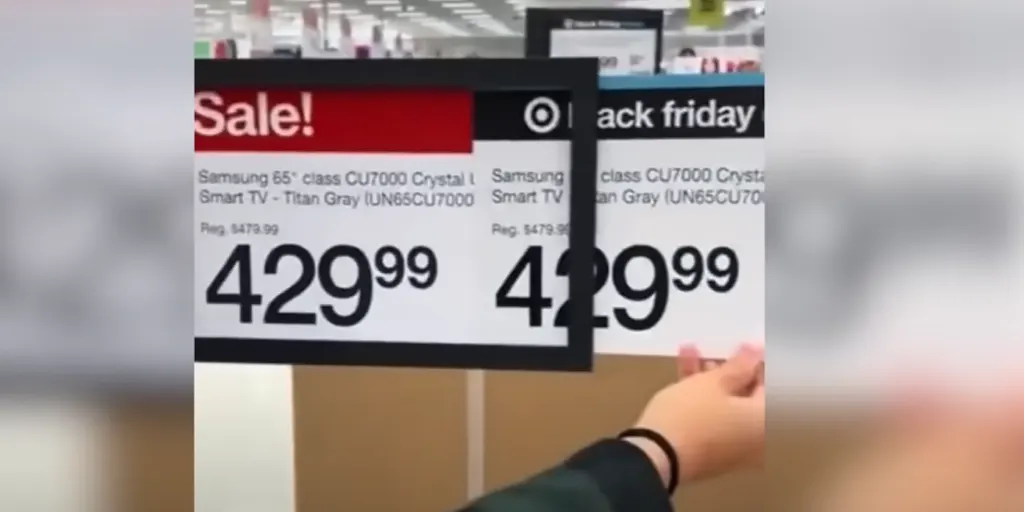
Do not judge a Black Friday deal by the advertised percentage. The “was” price in a banner may not be the price the TV actually sold for, so a large discount can still leave the final price no lower than similar TVs.
- Check the price history. Tools such as Keepa and CamelCamelCamel show how an Amazon price has changed over time. For other stores, use the prices you recorded in early November.
- Compare retailers. Look at the same full model number in at least two other shops, including the manufacturer’s own store.
- Compare similar models. The question is not how large the discount looks, but whether the TV is inexpensive compared with comparable models from other brands.
- Count the extras. Delivery charges, a wall mount or a paid extended warranty can change the total price.