
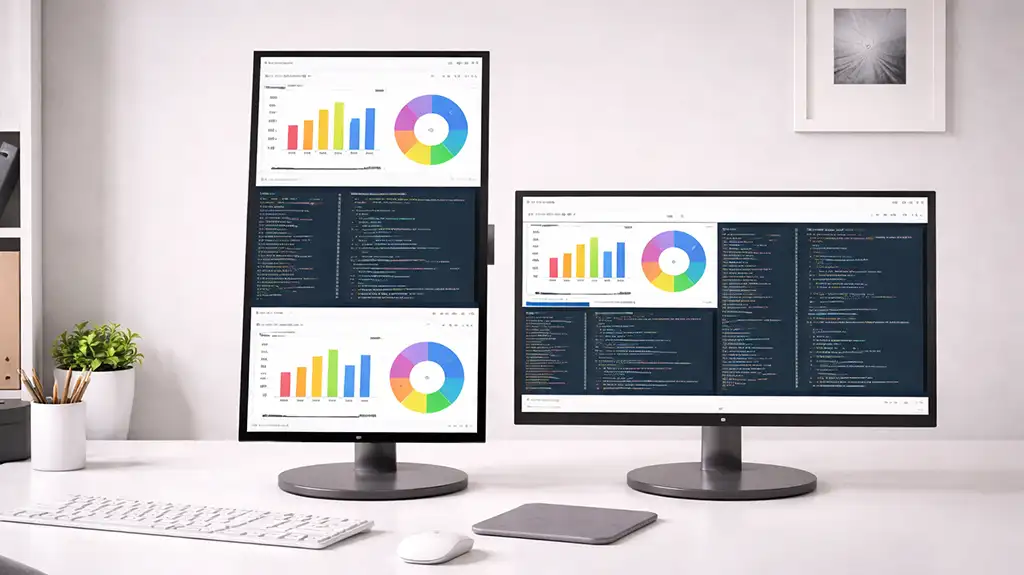
Samsung MagicRotation Auto is a feature available on certain Samsung monitors, specifically those equipped with a stand that allows you to rotate the monitor—meaning you can set the screen to landscape (standard) or portrait orientation. When you rotate the screen, the computer automatically displays the image in a format that matches the screen’s orientation. This feature eliminates the need to manually change the orientation settings in the operating system.
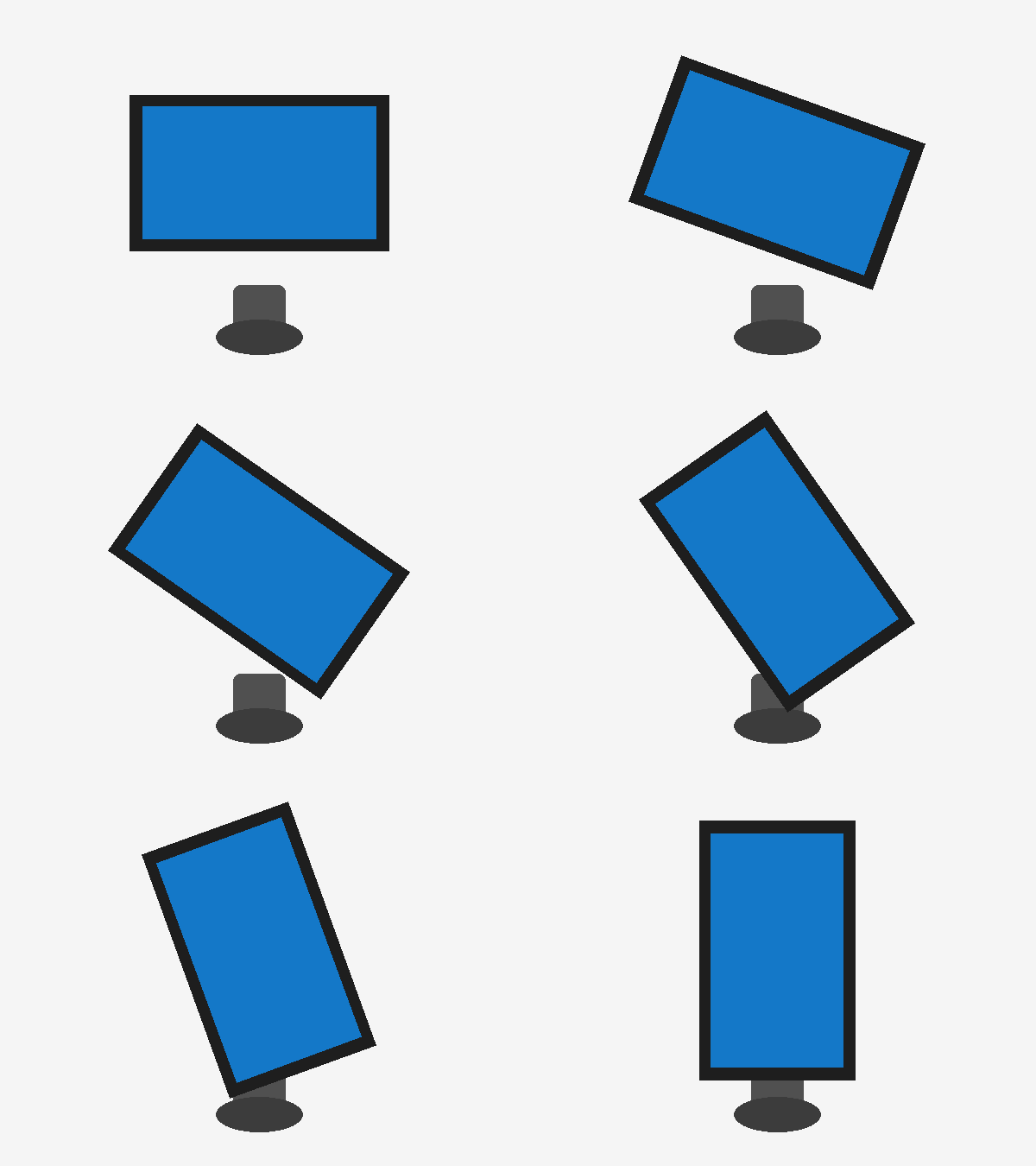
How Samsung MagicRotation auto works
The monitor is equipped with a rotation sensor—a built-in sensor that detects its position. When the monitor is rotated, the sensor registers the screen’s position, and information about the monitor’s orientation is transmitted to the computer via HDMI or DisplayPort. The image automatically switches between landscape and portrait modes.
This feature is quite useful, but it is rarely used, as few people work on a monitor in portrait mode. However, for those who work with long documents, the vertical screen orientation is more convenient.
Keep in mind that the MagicRotation Auto feature is only available on certain Samsung models, specifically those that support screen rotation.