

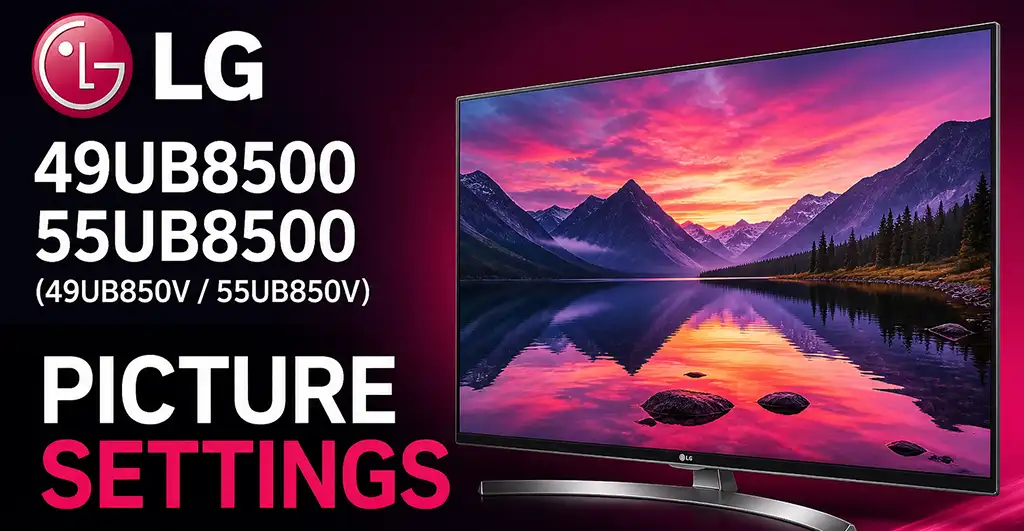
The LG UB8500 series was introduced in 2014 as part of LG’s Ultra HD 4K television lineup, featuring webOS Smart TV functionality and passive 3D technology. The following calibrated settings are designed to improve picture accuracy and deliver a more balanced, natural image than the factory default configuration.
| Setting | Recommended Value |
|---|---|
| Picture Mode | ISF Expert 1 |
| Backlight | 85 |
| Contrast | 90 |
| Brightness | 53 |
| Energy Saving | Off |
| H Sharpness | 10 |
| V Sharpness | 10 |
| Color | 60 |
| Tint | 0 |
| Dynamic Contrast | Off |
| Super Resolution | Off |
| Color Gamut Range | Standard |
| Edge Enhancer | Off |
| Color Filter | Off |
| Red | -16 |
| Green | -23 |
| Blue | -18 |
| Color Temp | Warm2 |
| Pattern | Outer |
| Aspect Ratio | Just Scan |
| Local Dimming | Low |
Picture Mode selects the overall image preset. ISF Expert 1 provides the most accurate color and contrast balance.
Backlight controls the panel illumination level. Increase it for bright rooms and reduce it for dark environments.
Contrast adjusts the intensity of bright areas while preserving highlight detail.
Brightness controls black levels and shadow visibility.
Energy Saving automatically lowers brightness to reduce power consumption, but may affect picture consistency.
H Sharpness and V Sharpness enhance image detail horizontally and vertically.
Color controls overall saturation and color intensity.
Tint adjusts the balance between green and red tones.
Dynamic Contrast artificially boosts contrast, often reducing fine detail.
Super Resolution applies digital sharpening that can create visible artifacts.
Color Gamut Range determines the color reproduction range.
Edge Enhancer sharpens object outlines.
Color Filter is mainly used for advanced calibration.
Red, Green, Blue settings fine-tune white balance for more accurate grayscale reproduction.
Color Temp adjusts the warmth or coolness of whites. Warm2 is closest to professional calibration standards.
Pattern is a calibration reference setting.
Aspect Ratio determines image scaling. Just Scan ensures the full picture is shown without cropping.
Local Dimming improves contrast by controlling backlight zones, with Low providing balanced performance.
These settings are optimized for SDR content such as TV broadcasts, streaming apps, and Blu-ray playback, while minor adjustments may be needed depending on room lighting and panel variation.

what is the difference in settings between ISF Expert 1 and ISF Expert 2 on 55UB8500